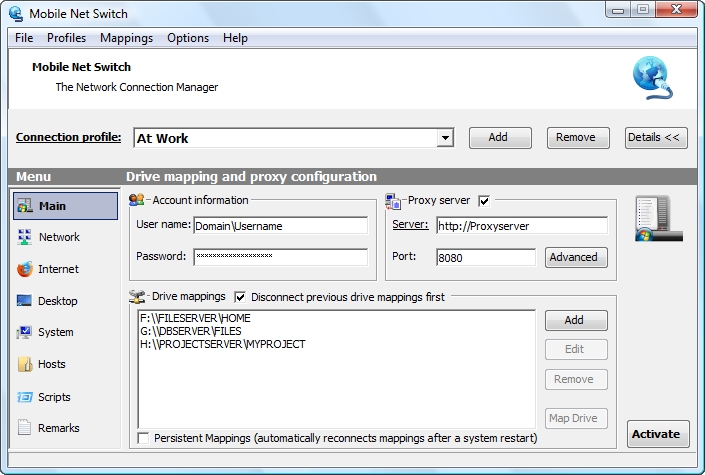
The Main program page allows you to set Account Information, Drive Mapping and
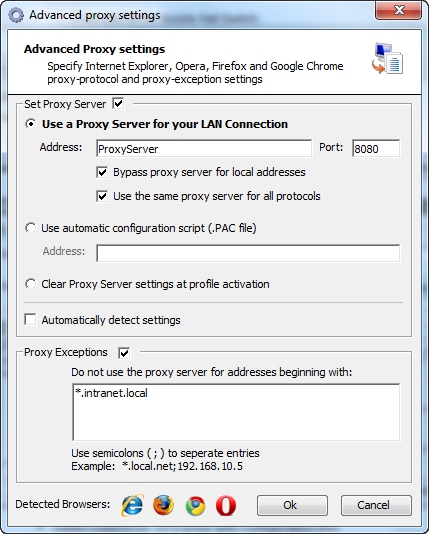
the Proxy Server
(Internet Explorer, Firefox, Opera and Google Chrome) for each profile
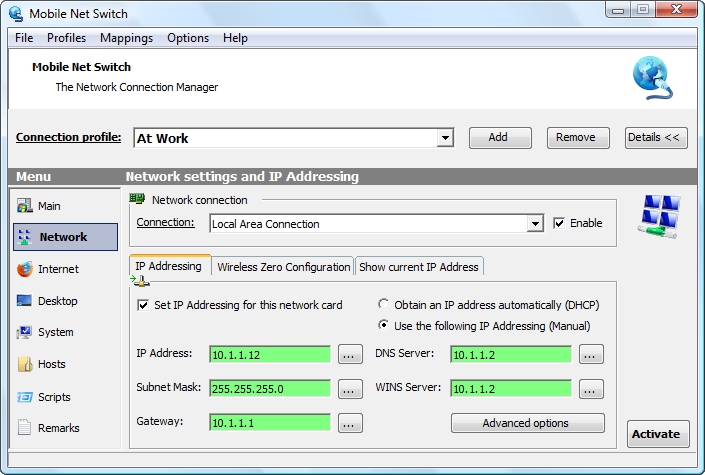
The Network page Allows you to specify IP Addressing settings and advanced
options like the Windows Firewall, DNS Suffix and what network adapter should be enabled and
disabled. Mobile Net Switch supports setting multiple IP, Subnet Mask, Gateway, DNS and WINS
addresses.
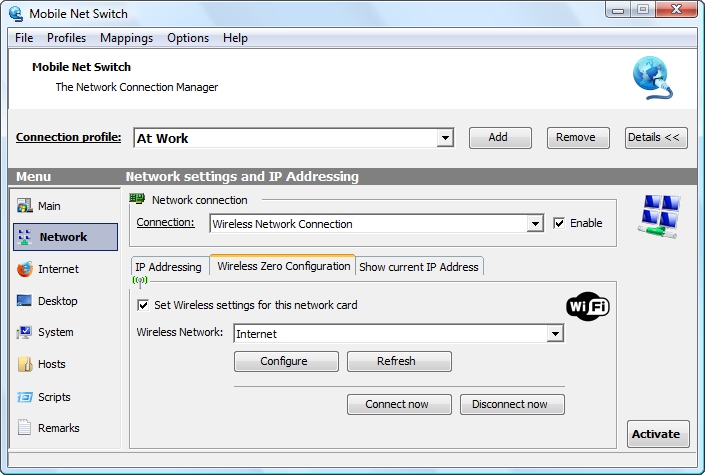
Wireless Networking support (802.11, WLan, Wi-Fi) based on Microsoft Wireless
Zero Configuration ensures support for all Wireless Network adapters and security technologies
as WPA, WPA+PSK, WPA2 and WEP
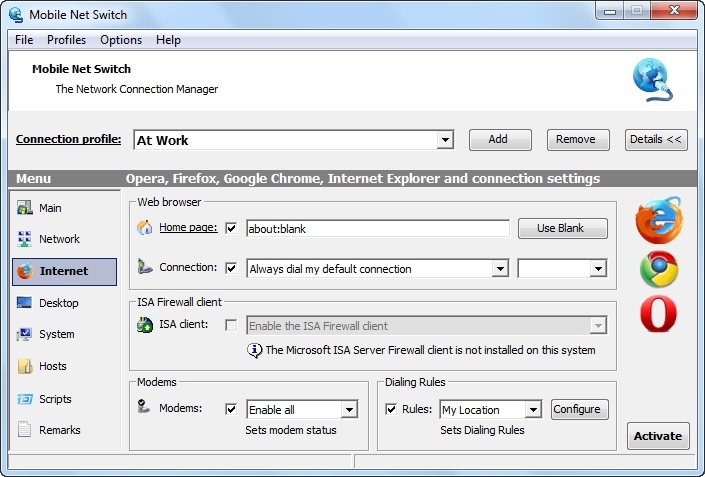
The Internet page allows you to set a start page (Internet Explorer, Firefox,
Opera and Google Chrome), dialup connection, dialing rules and the ISA Firewall client
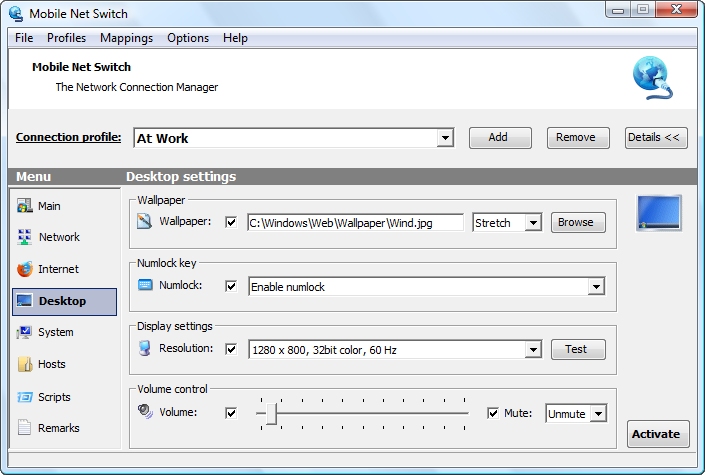
The Desktop page allows you to set the wallpaper, display resolution, num-lock
state and sound volume
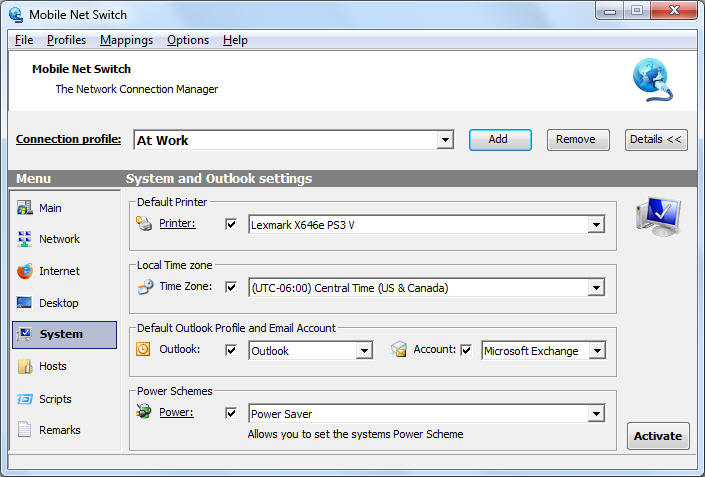
The System page allows you to set the default printer, default outlook profile
(MAPI), default E-mail account (in your Outlook profile), the system's time zone and the Power
Scheme
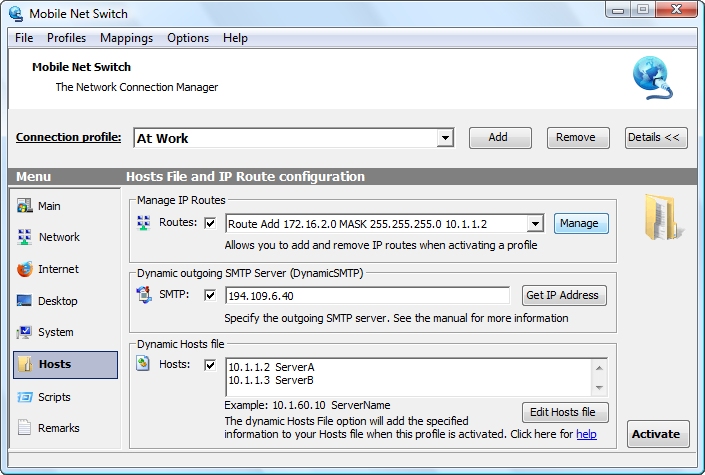
The Hosts page allows you to modify the IP Routes, the outgoing SMTP mail
server and hosts file for each profile
The Scripts page allows you to run scripts, batch files and import .reg files
when activating a profile
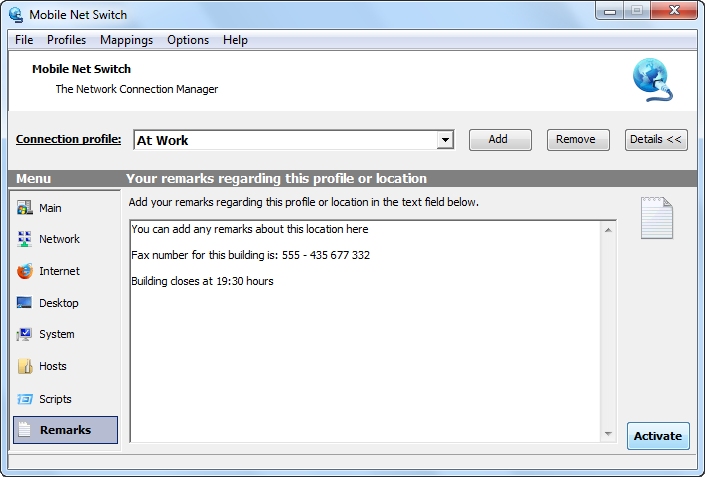
The Remarks page allows you to add remarks for the selected profile
Advanced Settings:
One of the advanced IP Addressing tabs.
The Proxy server page; allows you to specify the proxy server settings
for each profile for
Internet Explorer, Google Chrome, Firefox and Opera.
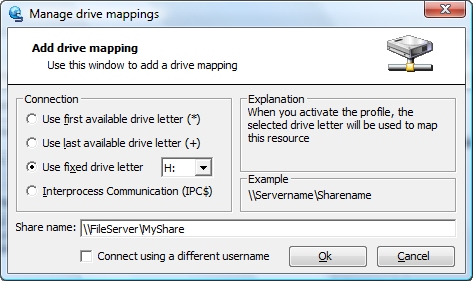
The Drive mapping page; allows you to add drive mappings for each profile.
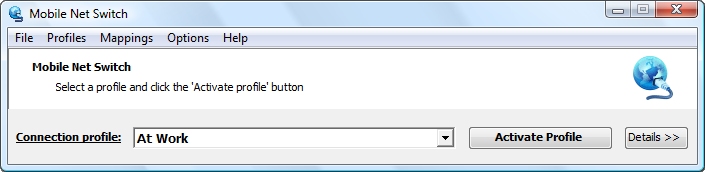
The profile window allows you to easily select a location profile and activate the settings with the click
of a button. Your computer will be configured with the correct settings within seconds and you are ready to
start (net)working
There are many more great features available in Mobile Net Switch. To try Mobile Net Switch for your self; download the fully functional and not limited version now.